Opens the official Shopify App Store listing, where you install and manage the app.
The problem
Chargebacks and disputes often arrive weeks or months after an order, and by then you need evidence that the customer agreed to your terms.
What ConsentGuard does
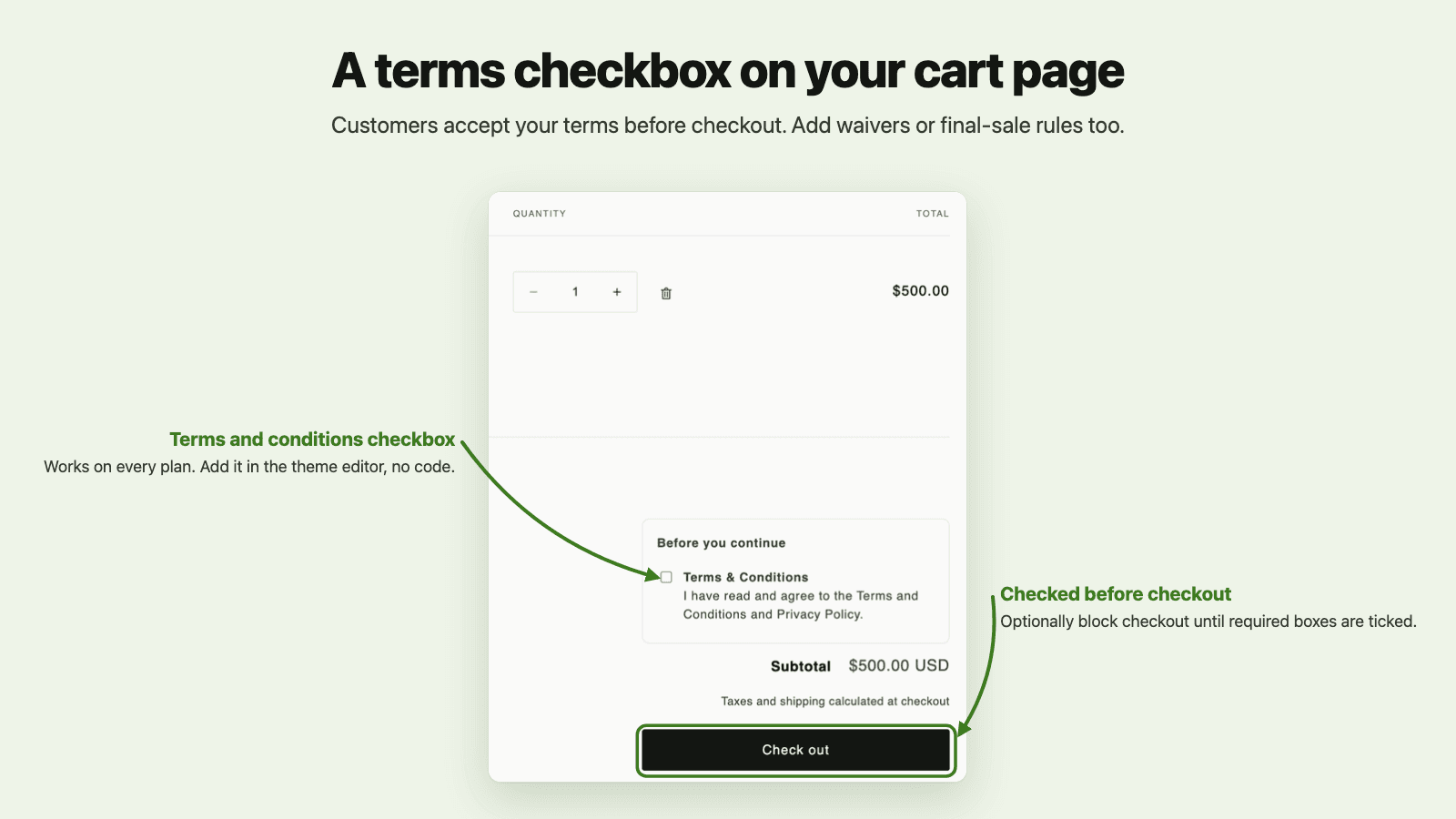
Required checkbox on the cart page and in the cart drawer, on every Shopify plan
Records the exact text each customer accepted, with order number and time
Templates for terms, final sale, liability waivers and the EU digital-content withdrawal waiver
Optional enforcement: buyers who skip the cart (Buy it now, Shop Pay, Apple Pay) are stopped at payment and asked to accept first
Export dispute evidence for one order, or all consent history as CSV
Alerts when recent orders complete without the expected consent
Where it works: Cart page on every plan; also inside checkout on Shopify Plus
“Highly recommended for anyone who sells digital goods. The app solves the problem of the right of withdrawal expiring early perfectly, right in the cart, and it's excellent from a data protection point of view. It's especially reassuring that you can trace and prove customers' consent afterwards without gaps. Full 5 stars!”
No. The checkbox goes on your cart page and enforcement works on every Shopify plan; Plus stores can also show the checkbox inside checkout.
Does it work with Shop Pay, Apple Pay and Buy it now?
Buyers who use Buy it now or an express button skip the cart page, so they don't see the checkbox. If you turn enforcement on, those checkouts are stopped at payment with a message asking the buyer to return to the cart and accept.
Will it block checkout as soon as I install it?
No. Enforcement is off on a fresh install: the checkbox shows and acceptances are recorded, but nobody is blocked until you switch enforcement on in Settings.
What data does it store?
For each acceptance it saves the order number, the exact text shown, the time, the language, and the buyer's IP address and browser user agent. Records are kept for the retention period you set, up to 365 days.
Does it slow down my store?
The block loads one deferred script (about 13 KB) and a small stylesheet, and only where you add the block.
What happens when I uninstall?
Your blocks and settings are deleted right away, and consent records are deleted when Shopify sends its store-erasure request 48 hours later. Export your consent history first if you need it.
Price and rating as shown on the App Store on 13 October 2026. The listing is always the current source.